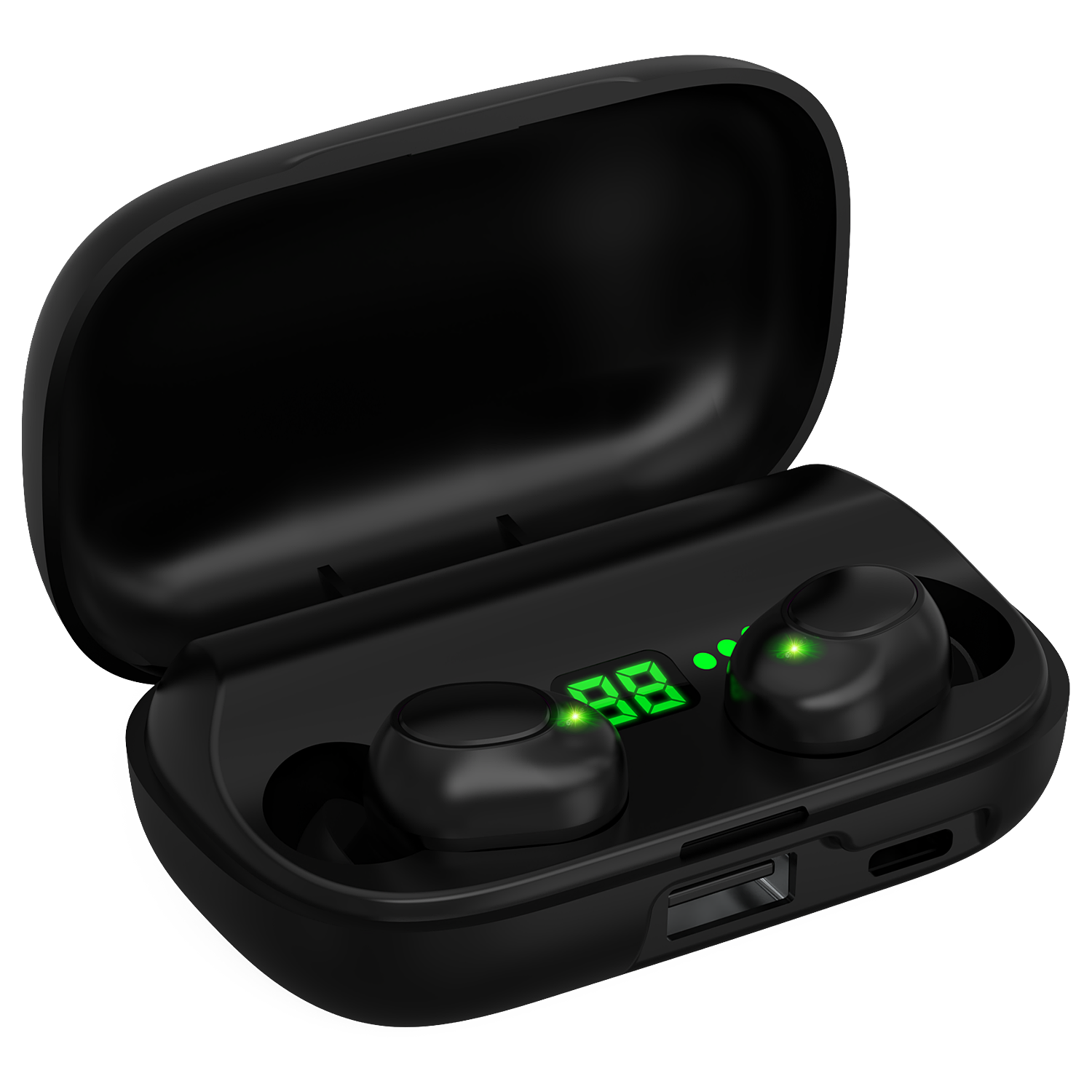
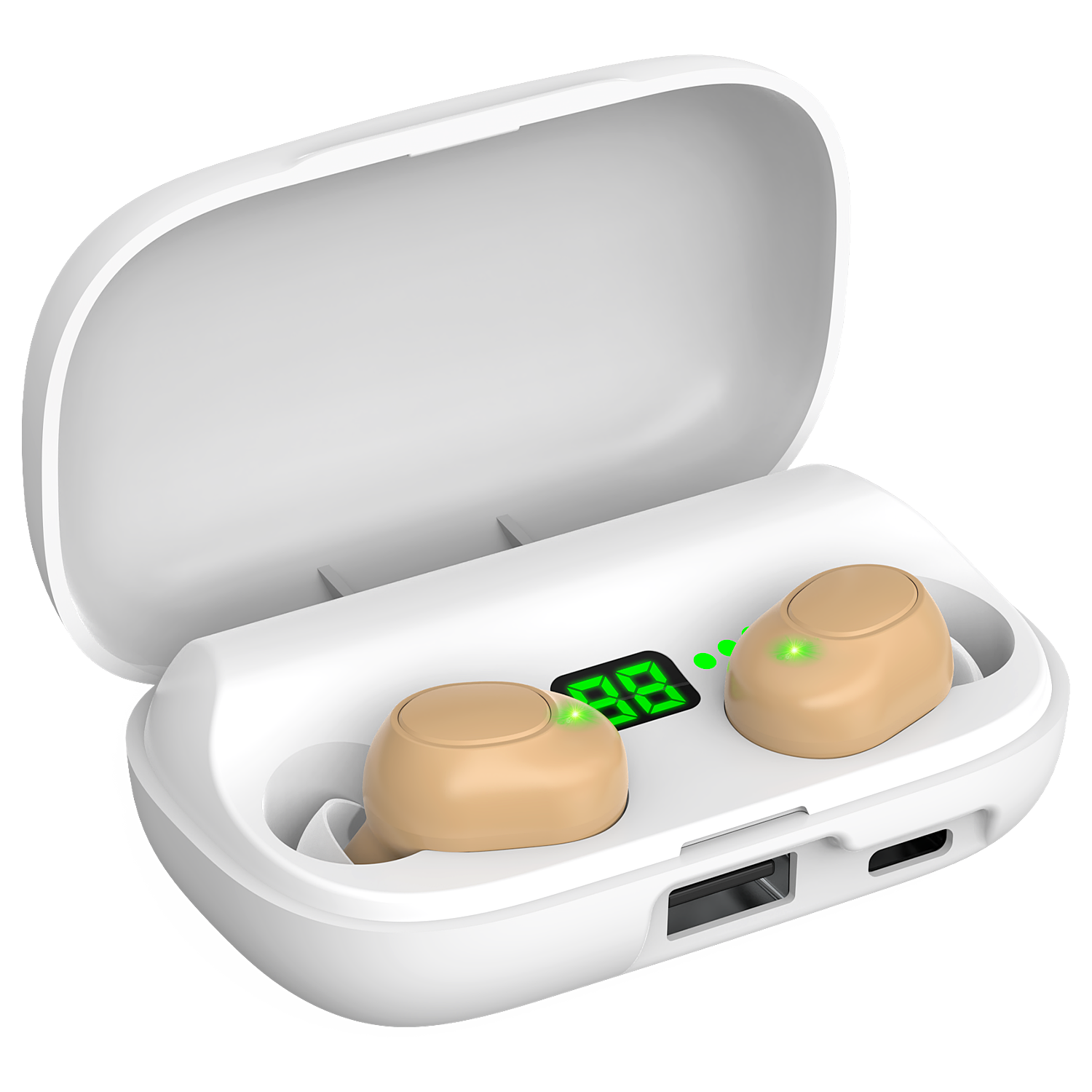
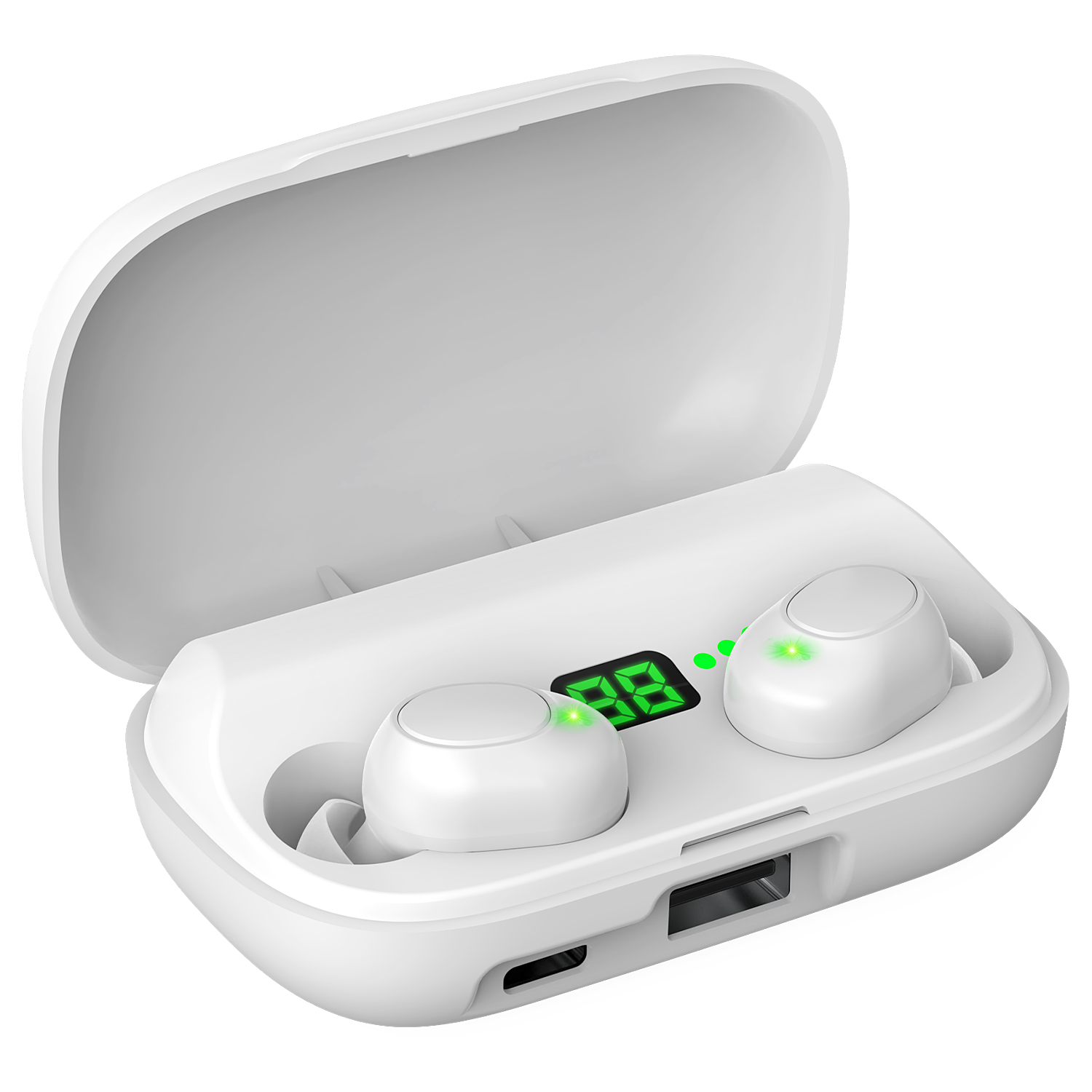
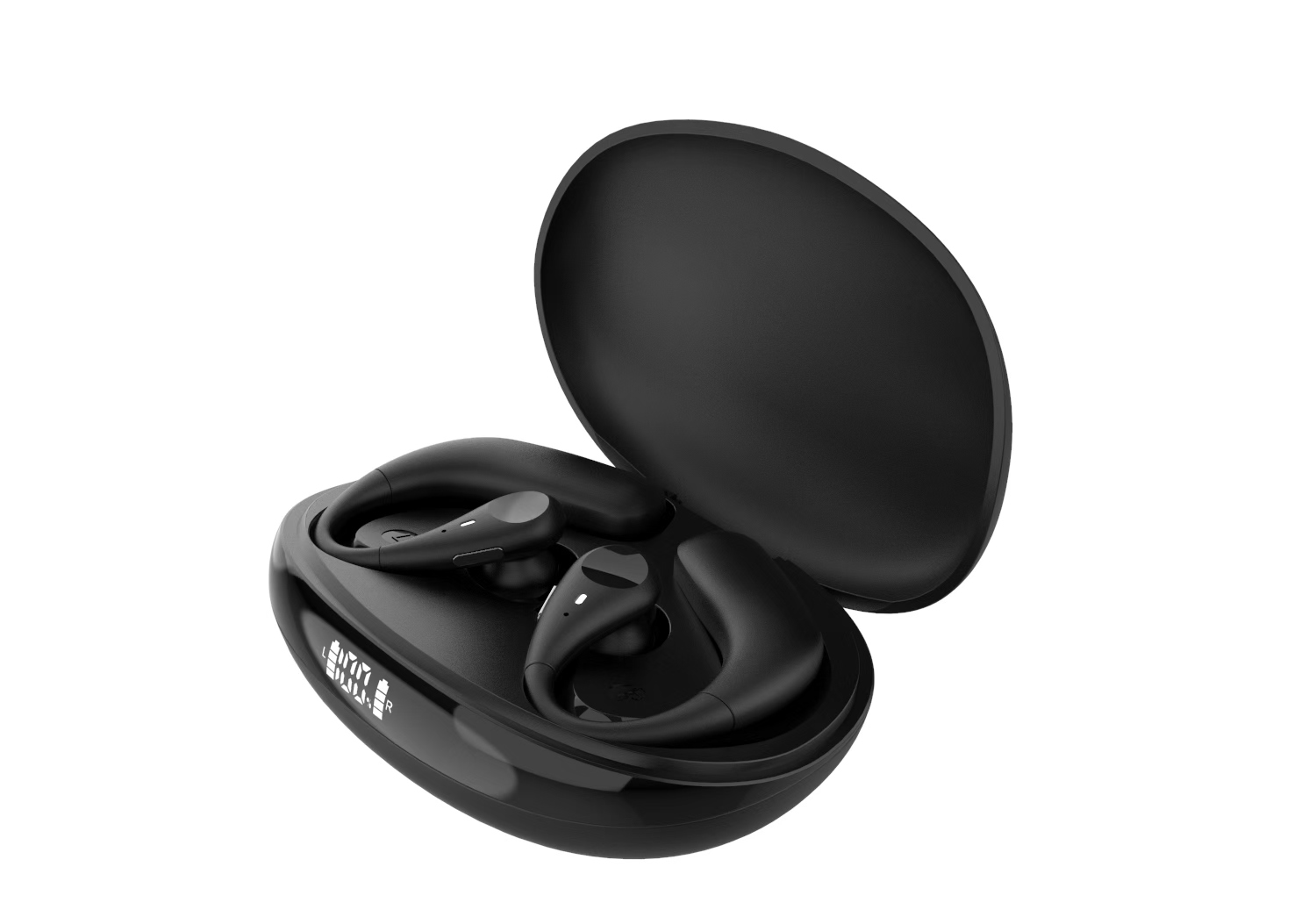
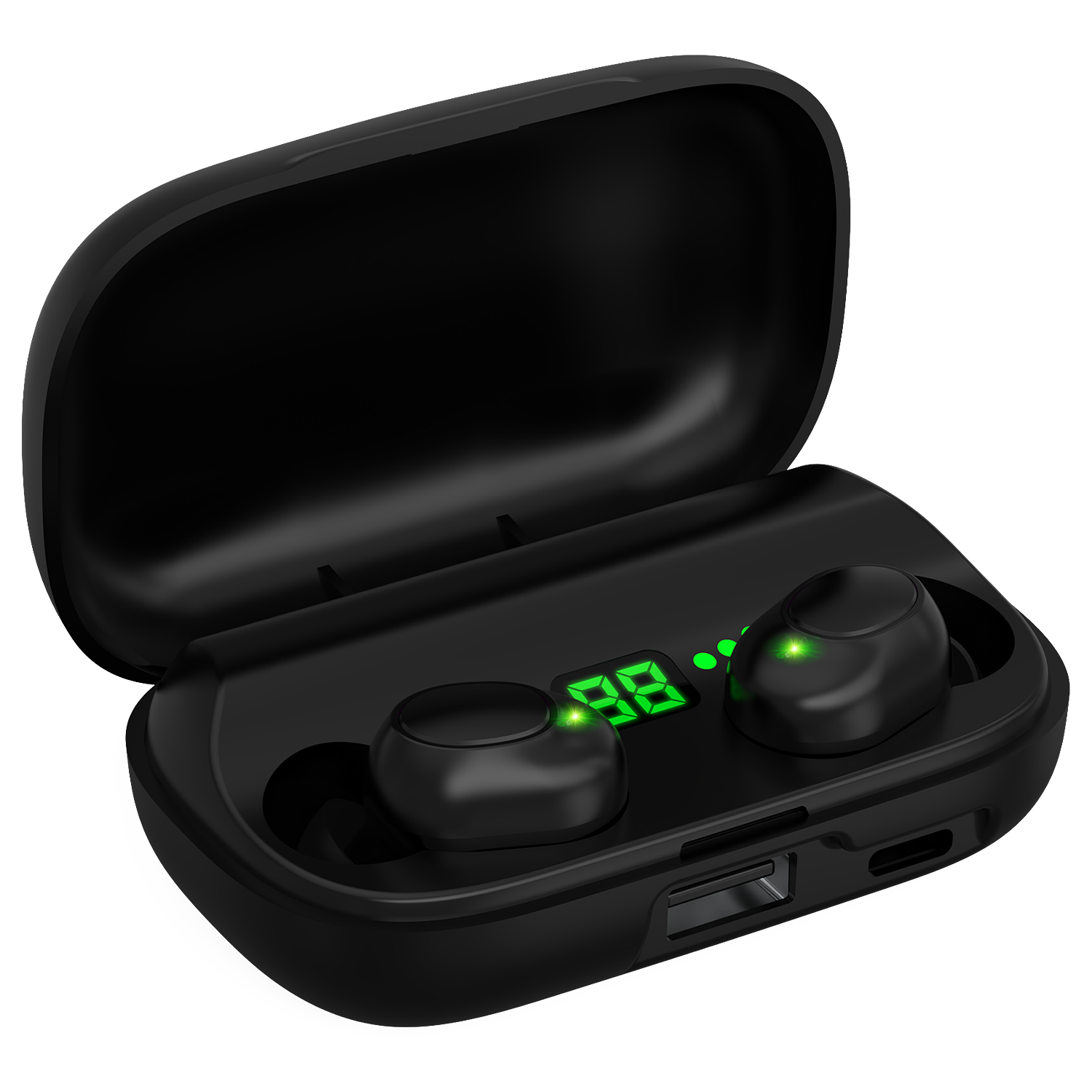
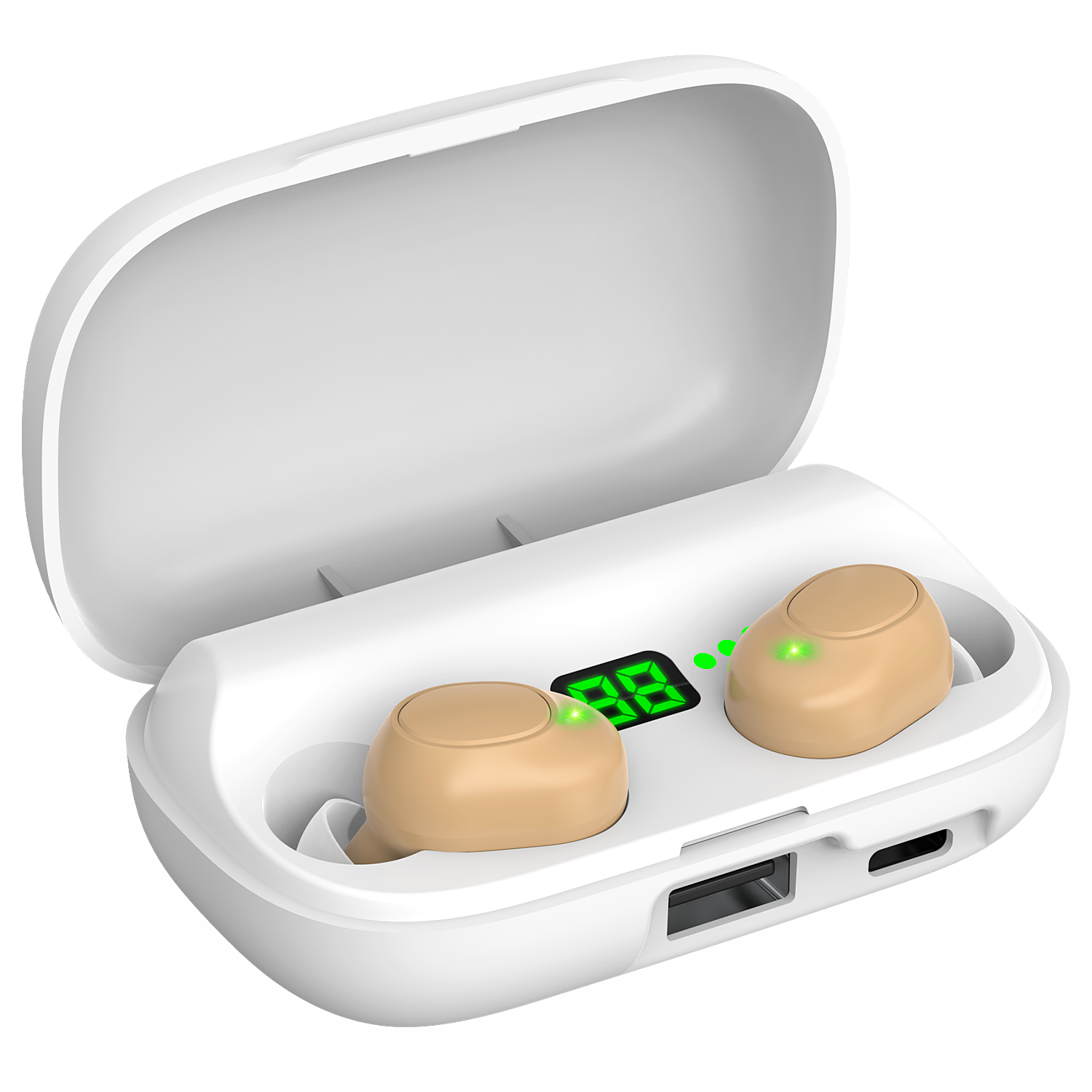
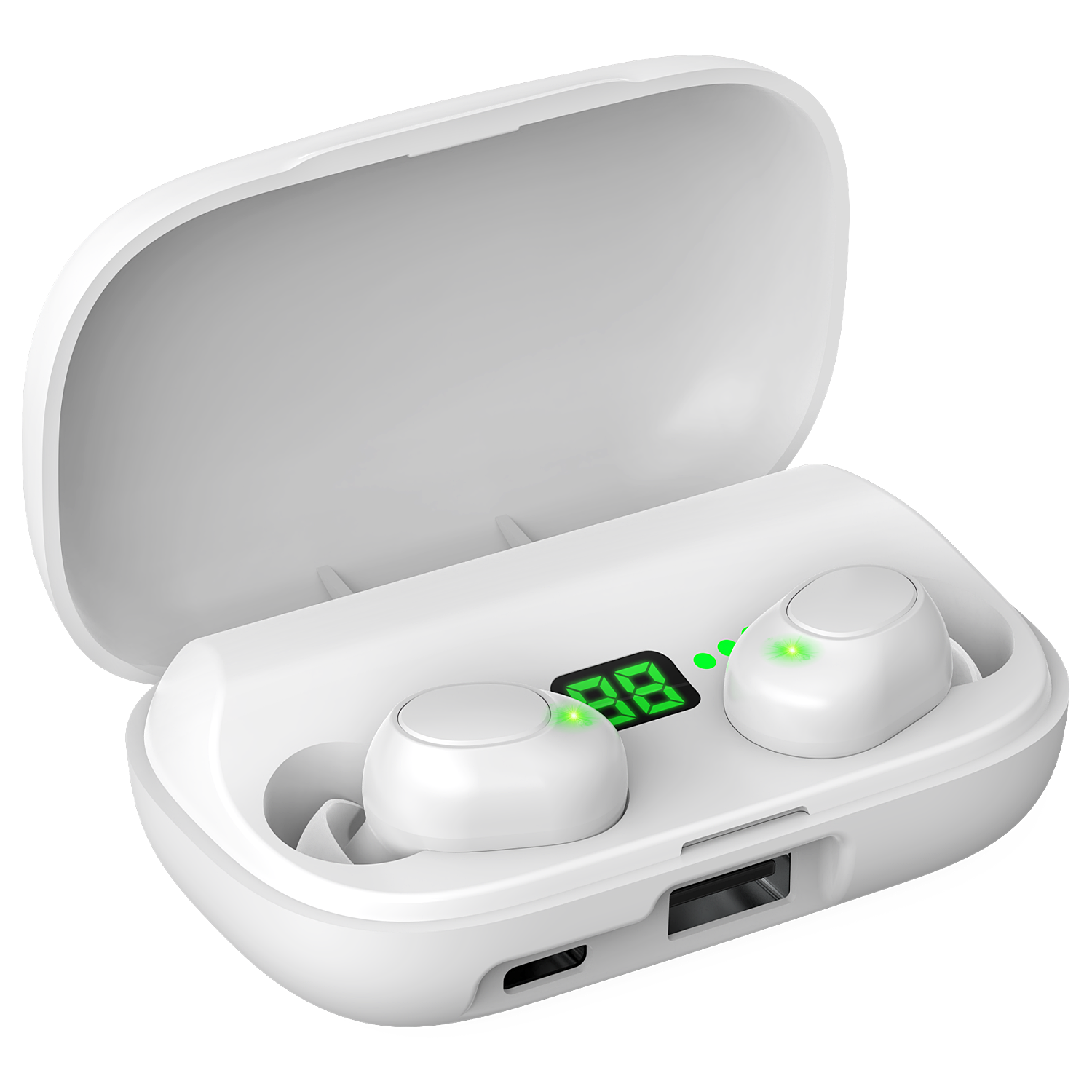
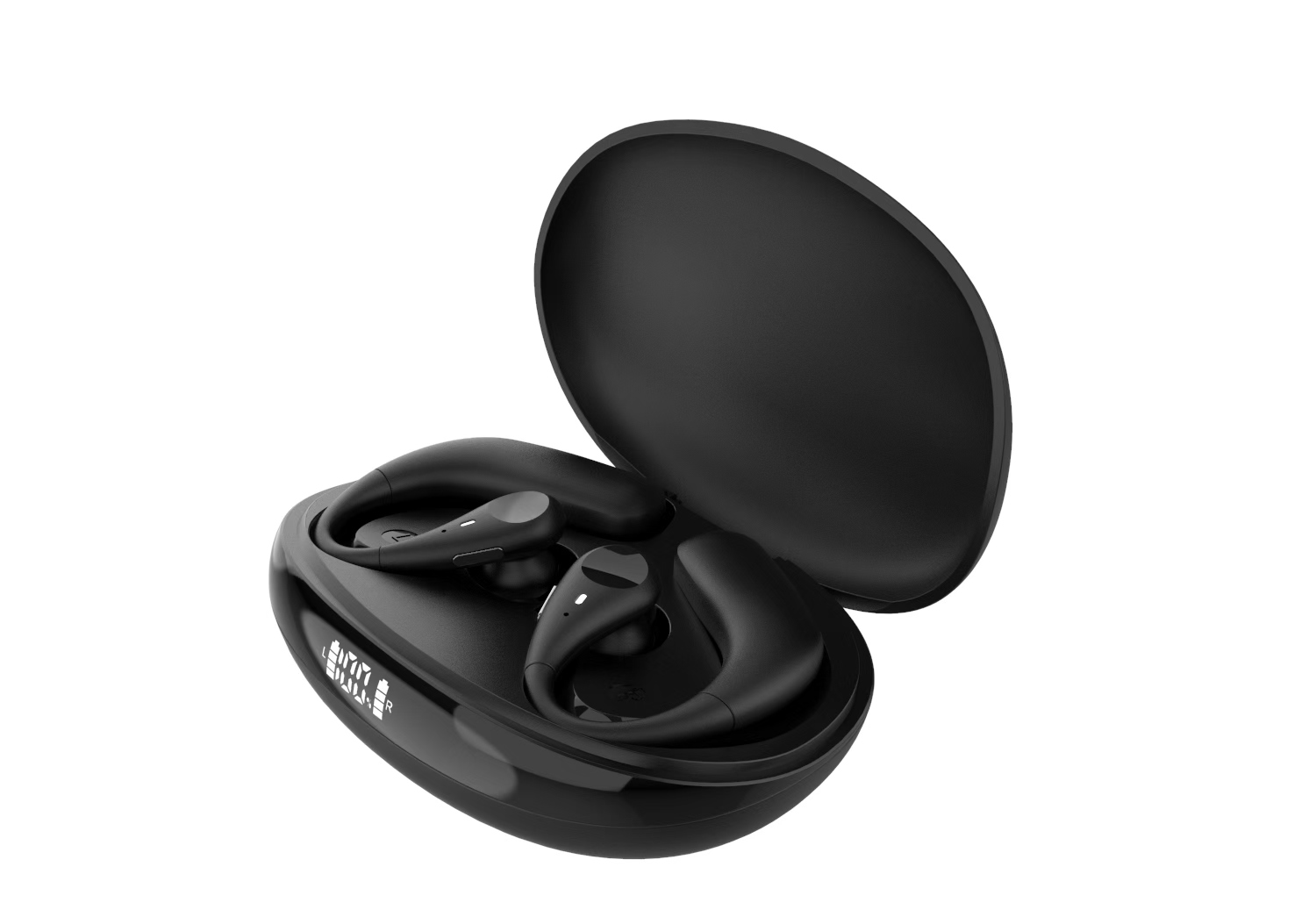
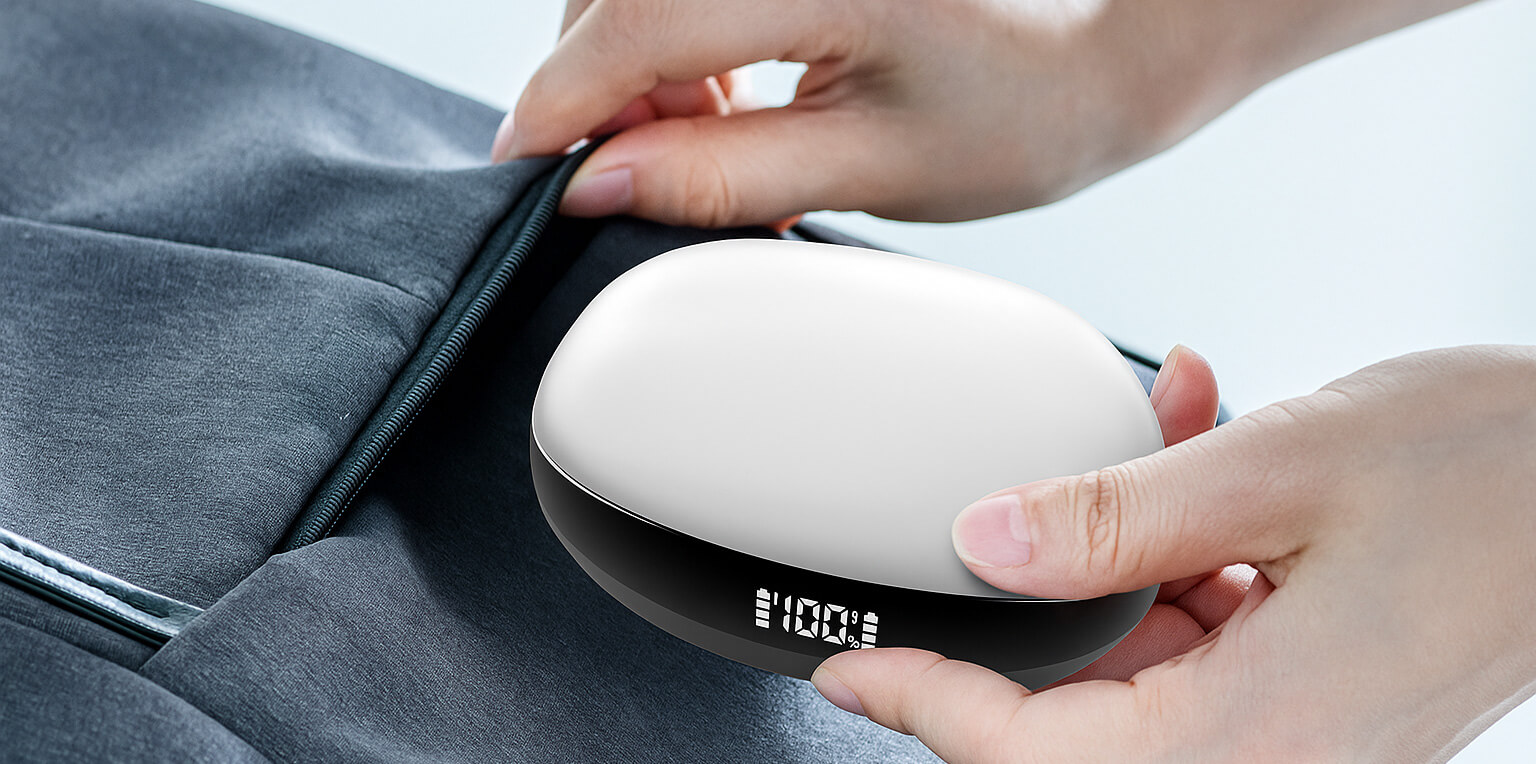
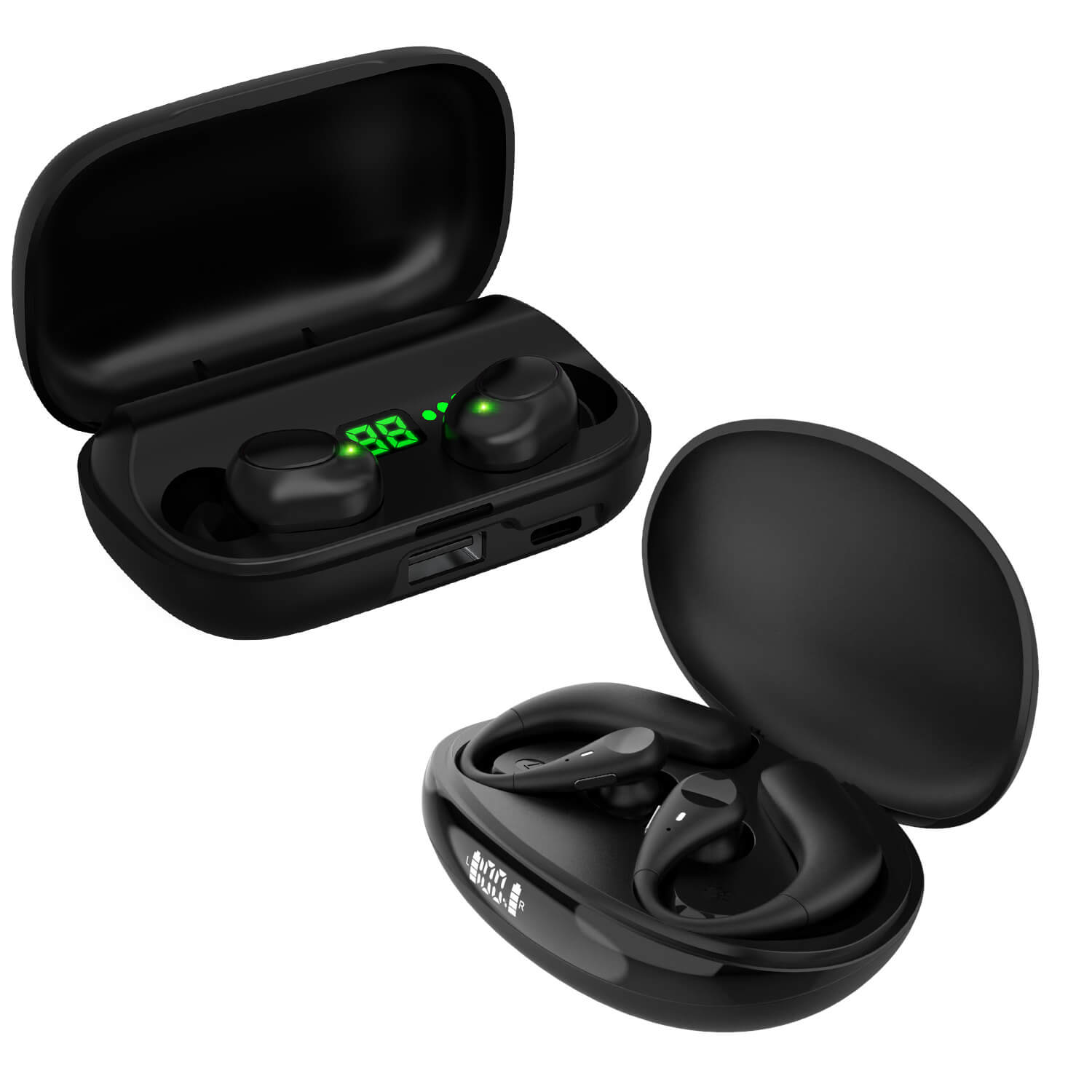
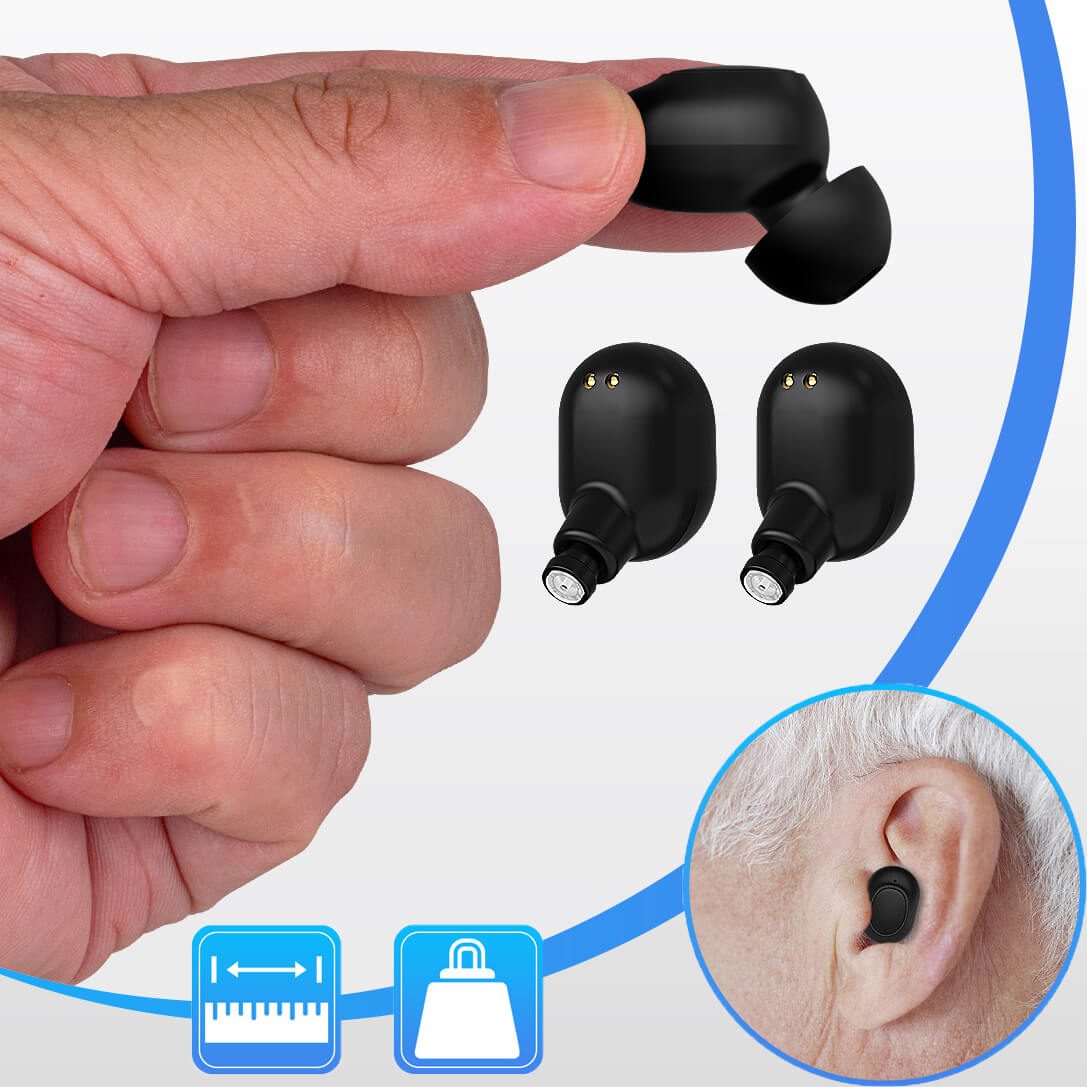
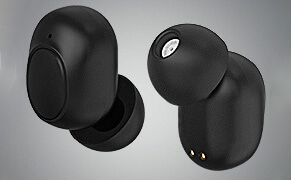
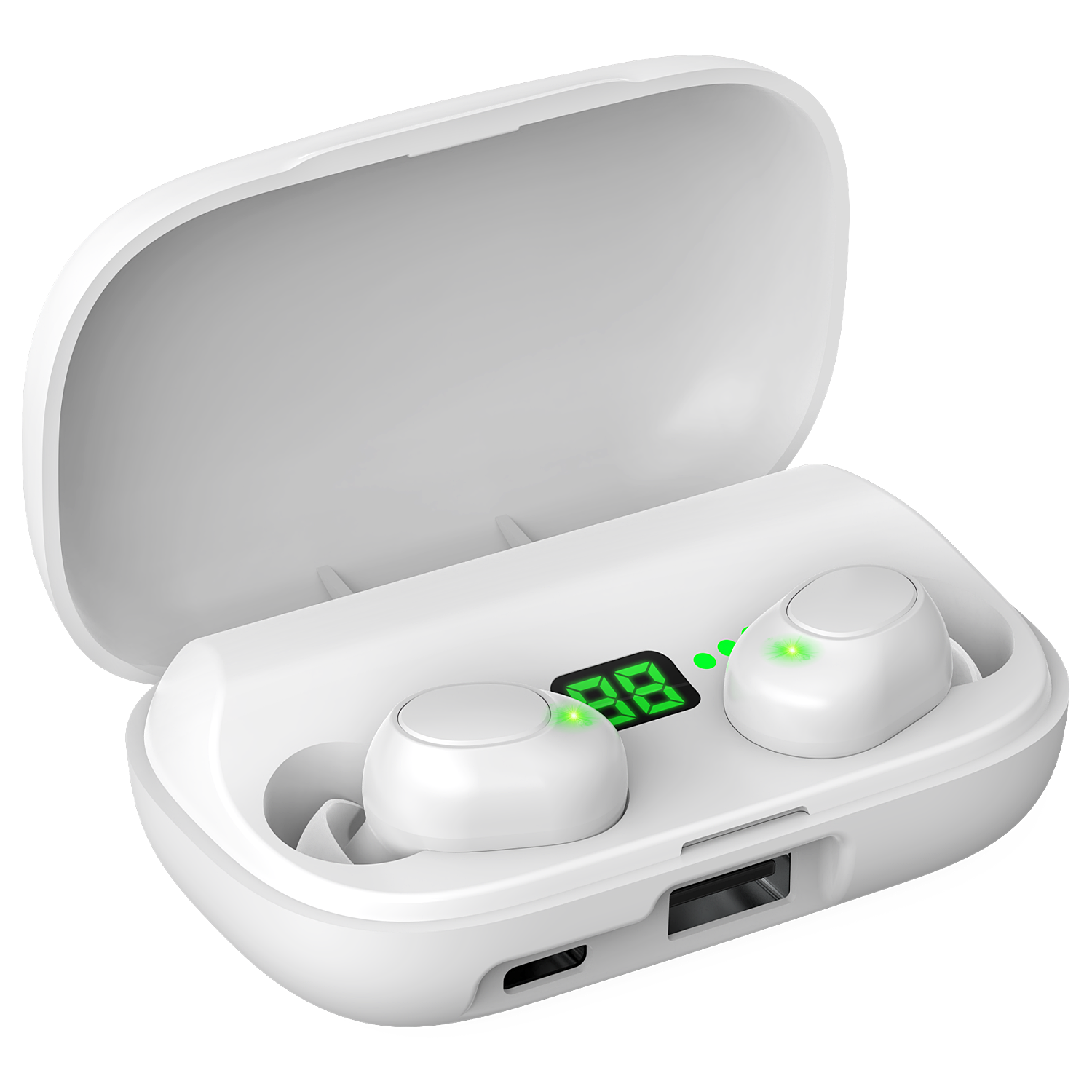
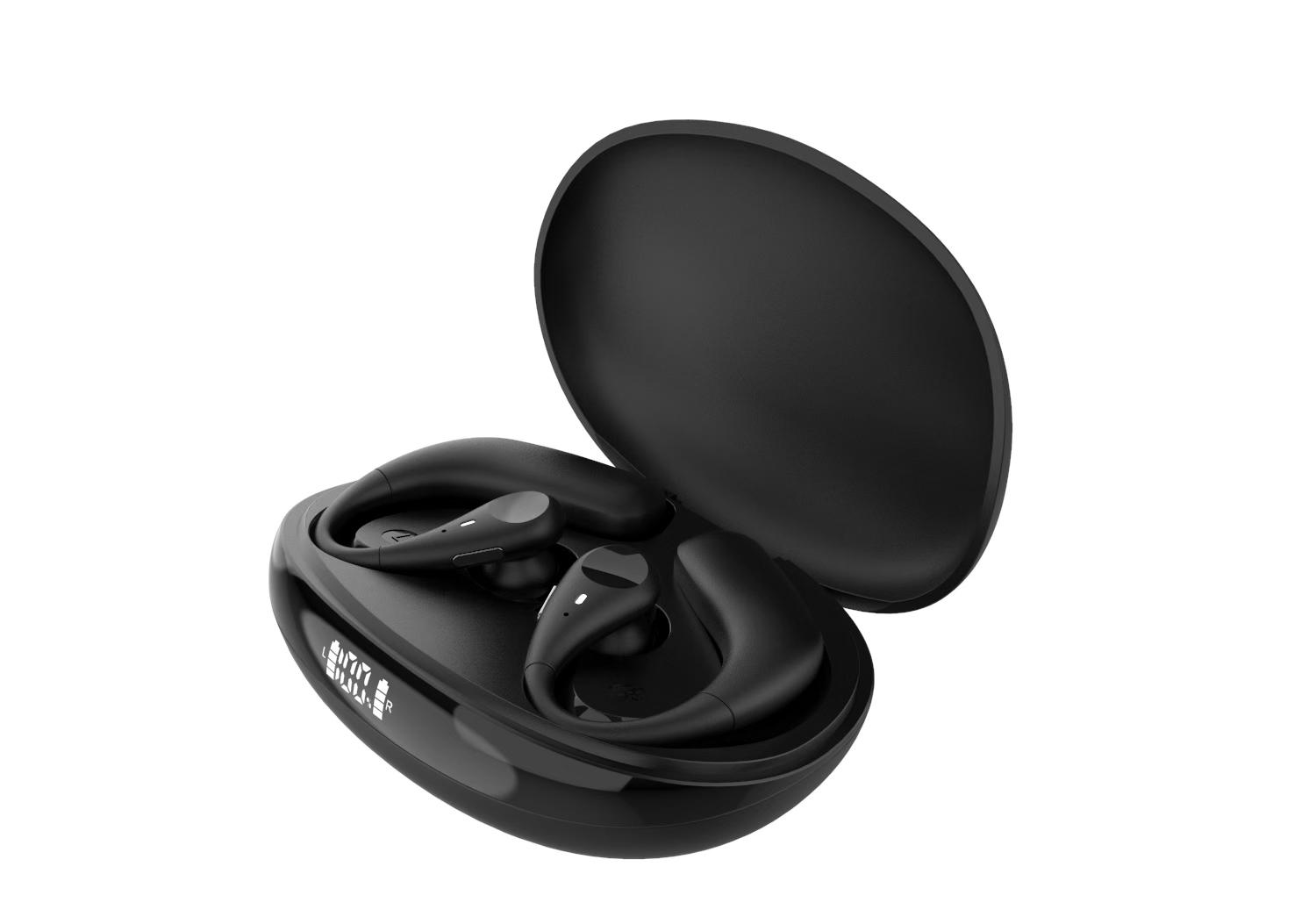
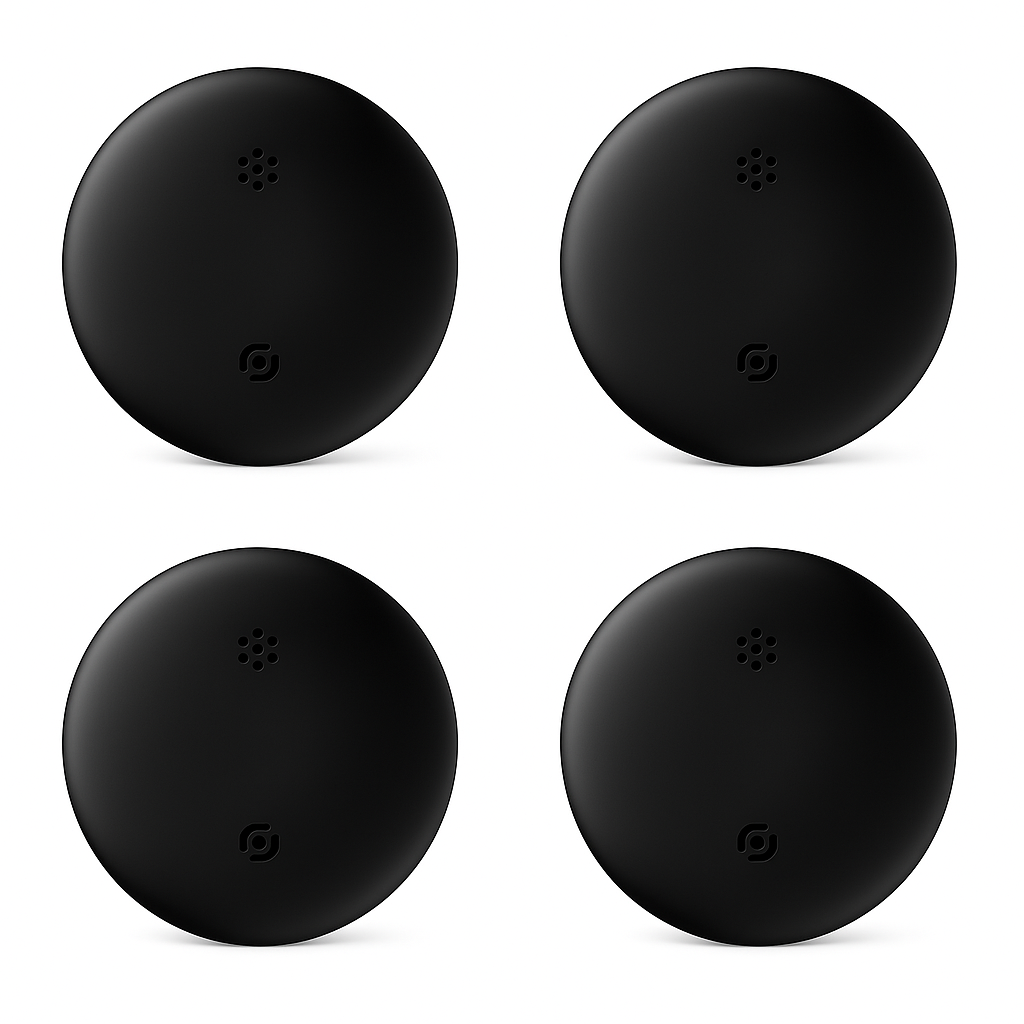
With a sleek, earbud-like design, it looks just like a regular pair of headphones—no one will ever know you’re wearing a hearing aid.
And at the same price point, you get far more advanced, next-generation features, giving you clearer hearing with smarter, more stylish technology.
Compared with similar products on the market,
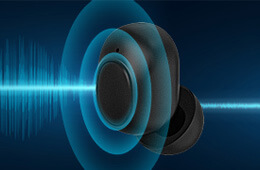
we have completely solved the issue of hearing-aid whistling.
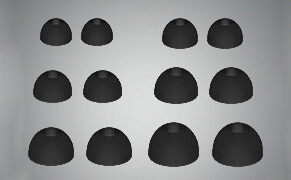
Choose the ear tips that best fit your ear canal size
for a more secure and comfortable fit
In-ear Hearing Aid
Feedback-free Wearing
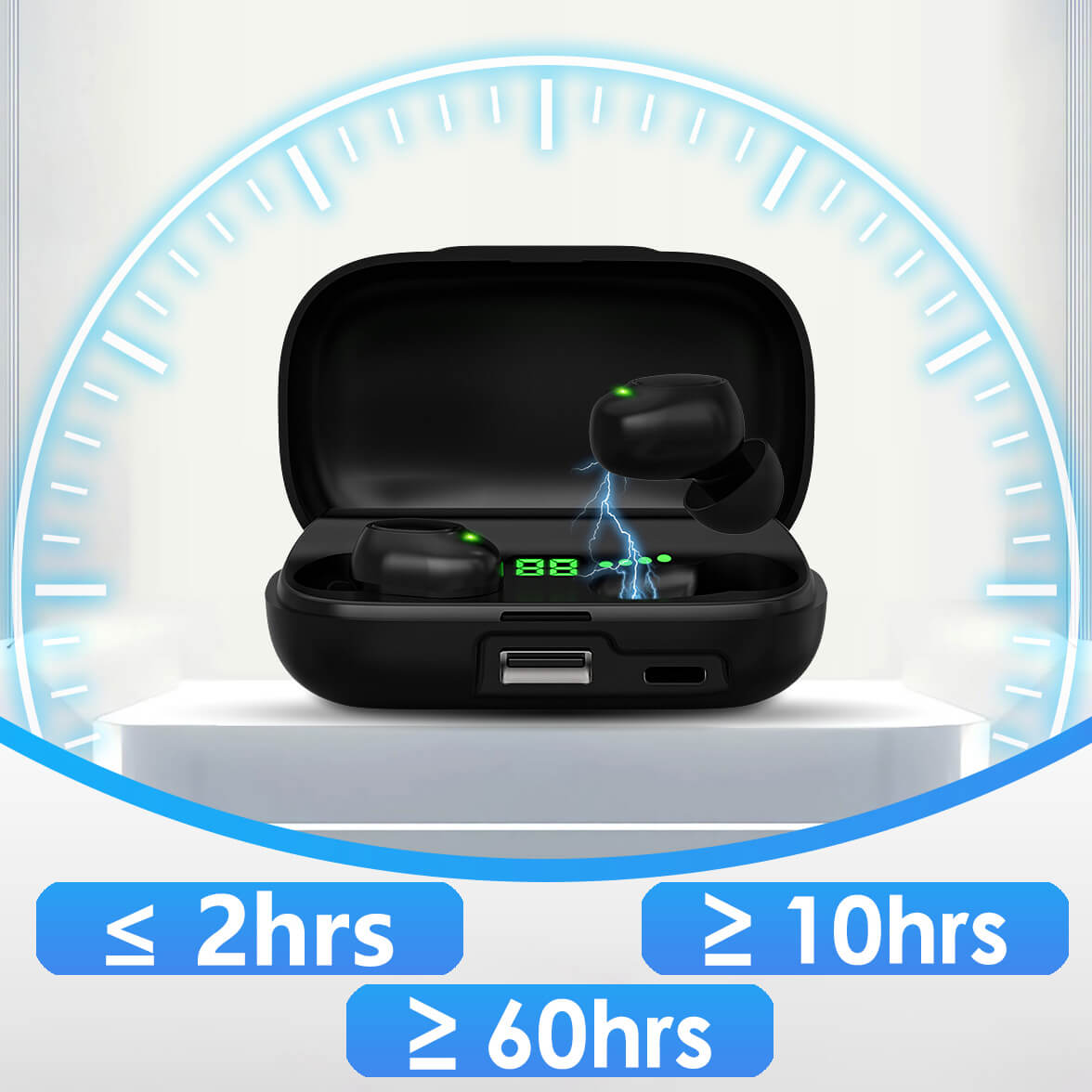
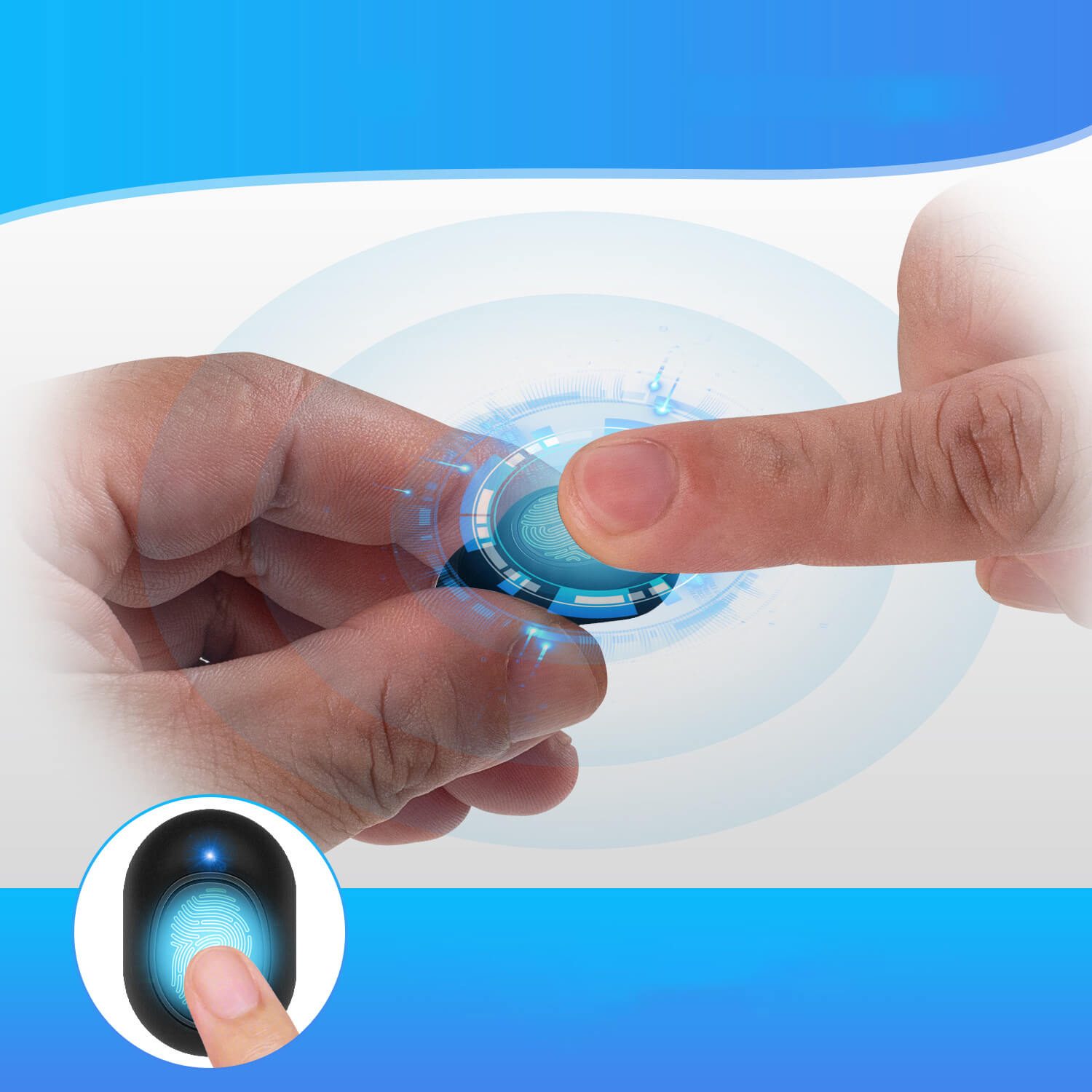
The device has automatic memory for volume settings. After placing it into the charging/battery compartment and removing it again, it will default to Mode 1 (Indoor Mode). Double-tap to switch to Mode 2 (Outdoor Mode). It supports 8 levels of volume adjustment.
Supports volume and mode memory even after power loss, and automatically restores the last-used volume when powered on.
Phone Pairing
Press and hold for 15 seconds to restore factory settings.
When the blue and green indicator lights flash alternately, pairing is successful.
Single-tap to answer or hang up phone calls.
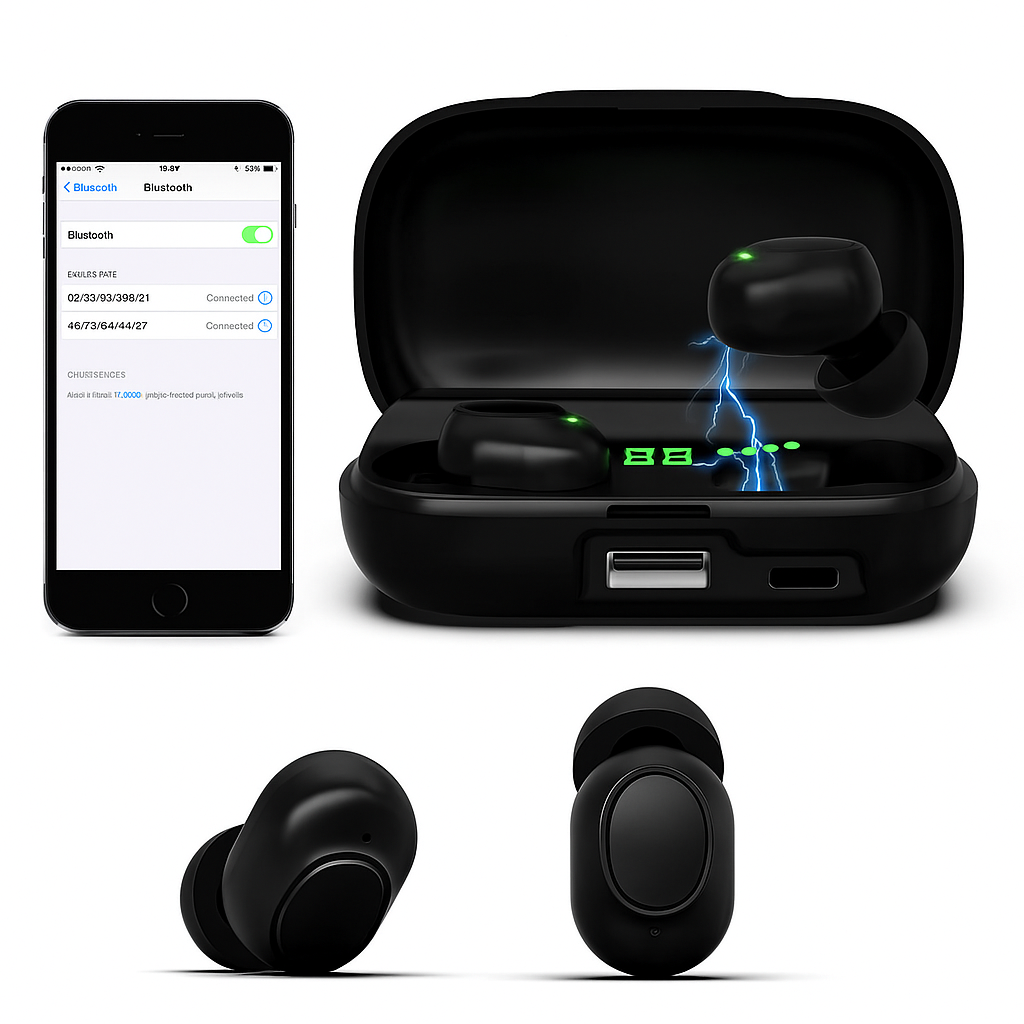
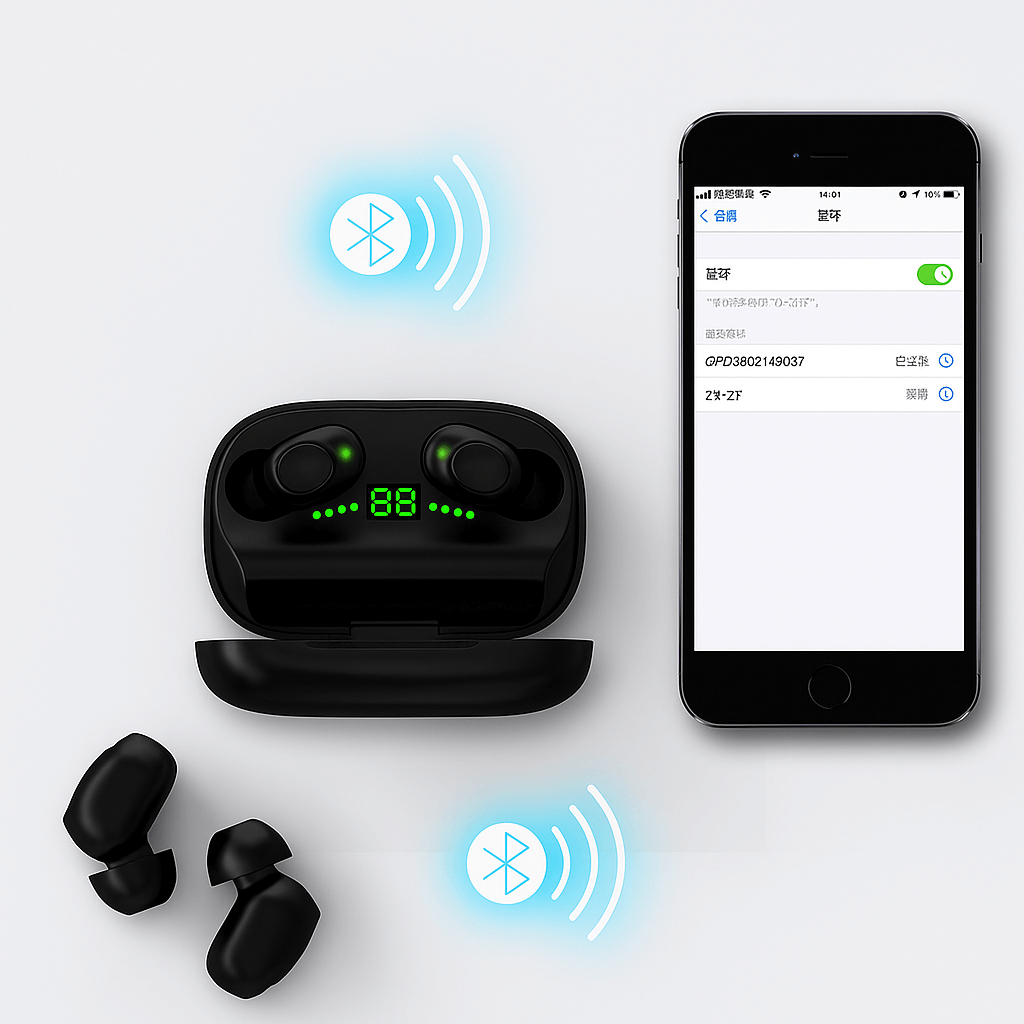
Pairing with your phone via Bluetooth
Bluetooth pairing between main and secondary units
Take the earbuds out of the charging case. They will power on automatically after 6 seconds. (Default mode is Hearing Aid Mode.) Double-tap the volume button to switch to Bluetooth Mode.
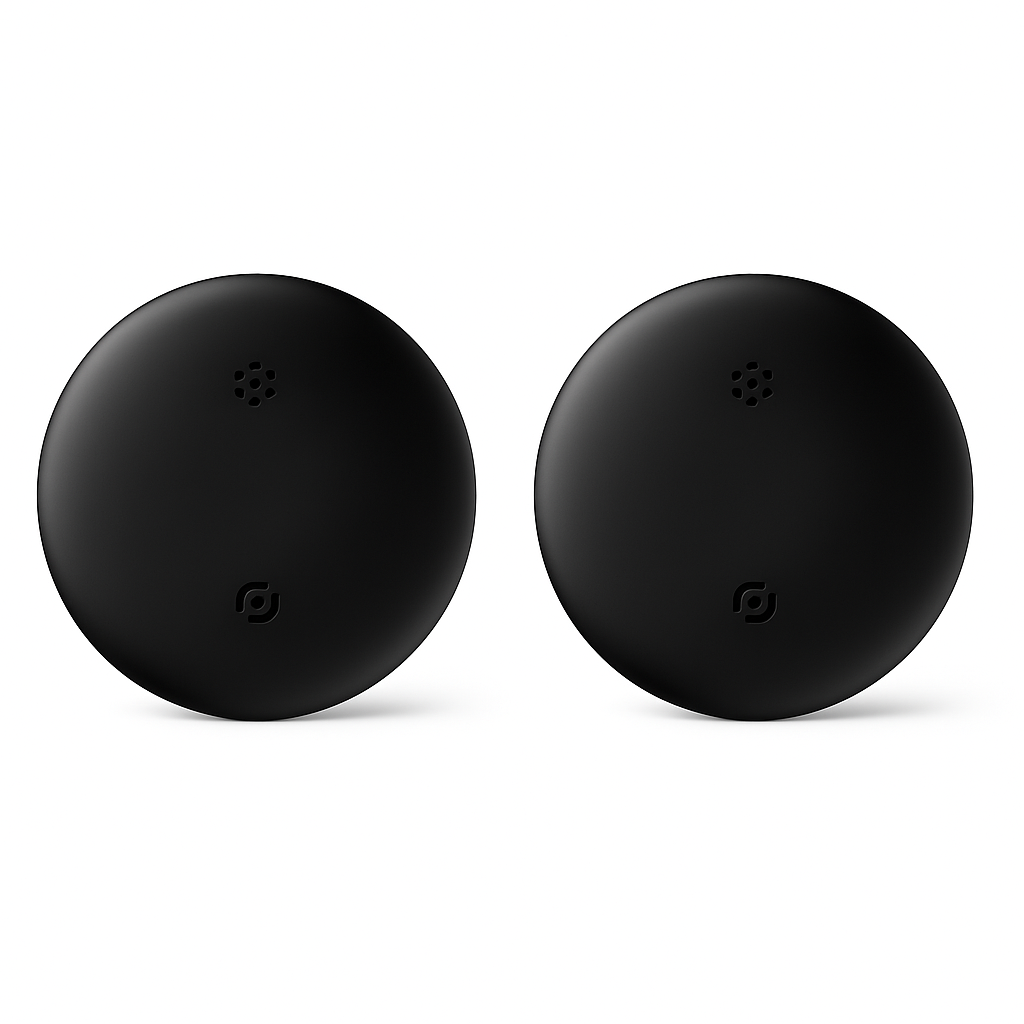
Turn on your phone’s Bluetooth and search for ZR-ZT, then tap to pair.
For the first Bluetooth connection, you must manually connect within 60 seconds. (If it times out, the device will return to Hearing Aid Mode. Double-tap the volume button again to re-enter Bluetooth Mode.)
After the main unit is connected, the secondary unit will automatically pair via Bluetooth when you double-tap its volume button.
In Bluetooth Mode, the button can be used to cycle through volume levels.
After Bluetooth pairing is successful, single-tap the volume button to answer or hang up calls.
In Hearing Aid Mode, double-tap the volume button to switch to Bluetooth Mode. In Bluetooth Mode, double-tap to switch back to Hearing Aid Mode.
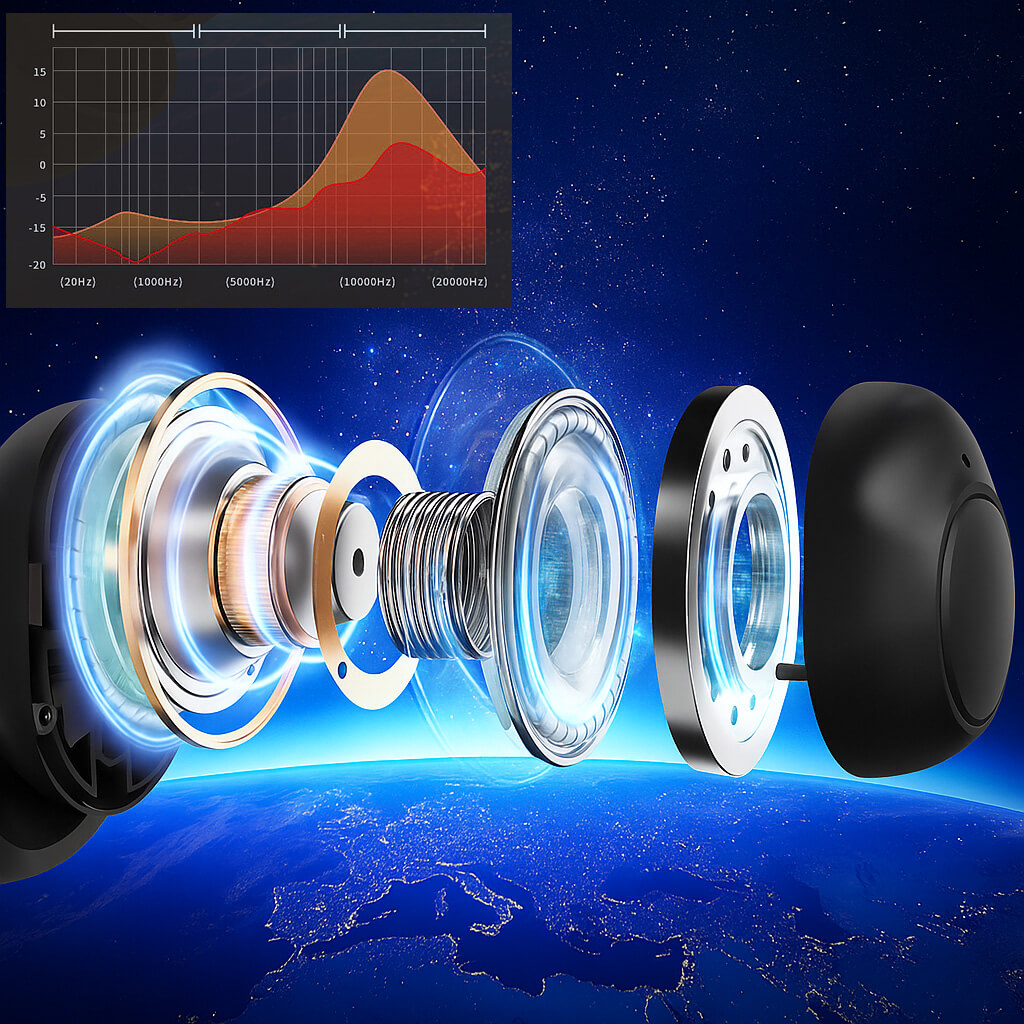
Enhanced high-frequency performance / Clear and extended mid-frequency response
Equipped with a high-frequency balanced armature speaker typically used in premium earphones
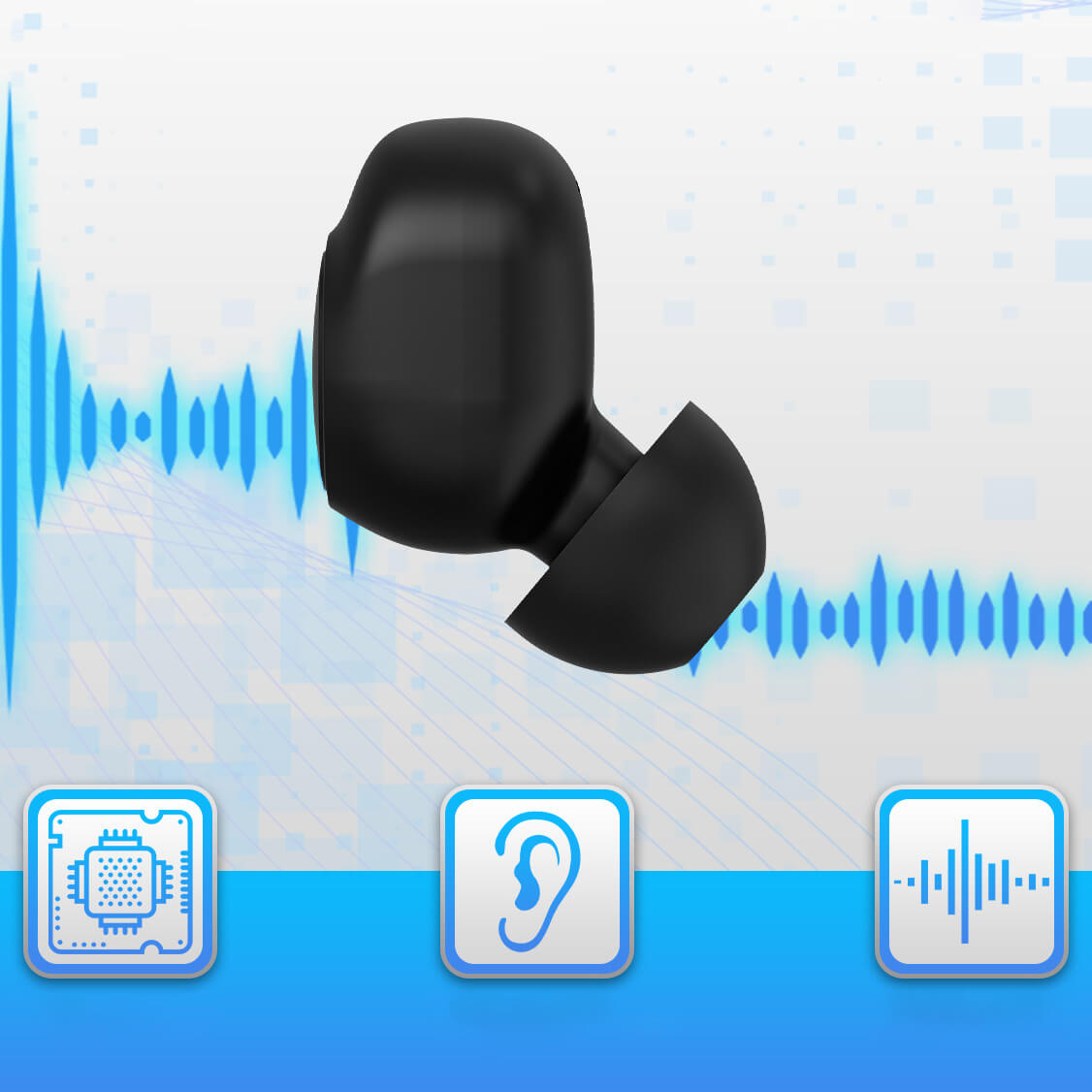
Multi-level detection of external and in-ear noise with automatic noise filtering
Easy and clear communication